Car Parking Multiplayer Design Copy and Paste Tutorial – 2026
Car Parking Multiplayer Design Copy and Paste Tutorial – 2026
Have you ever noticed why your friends’ or rivals’ car designs look perfectly aligned and attractive while you struggle to match the angles and patterns? Designing car vinyls can be time-consuming and tiring.
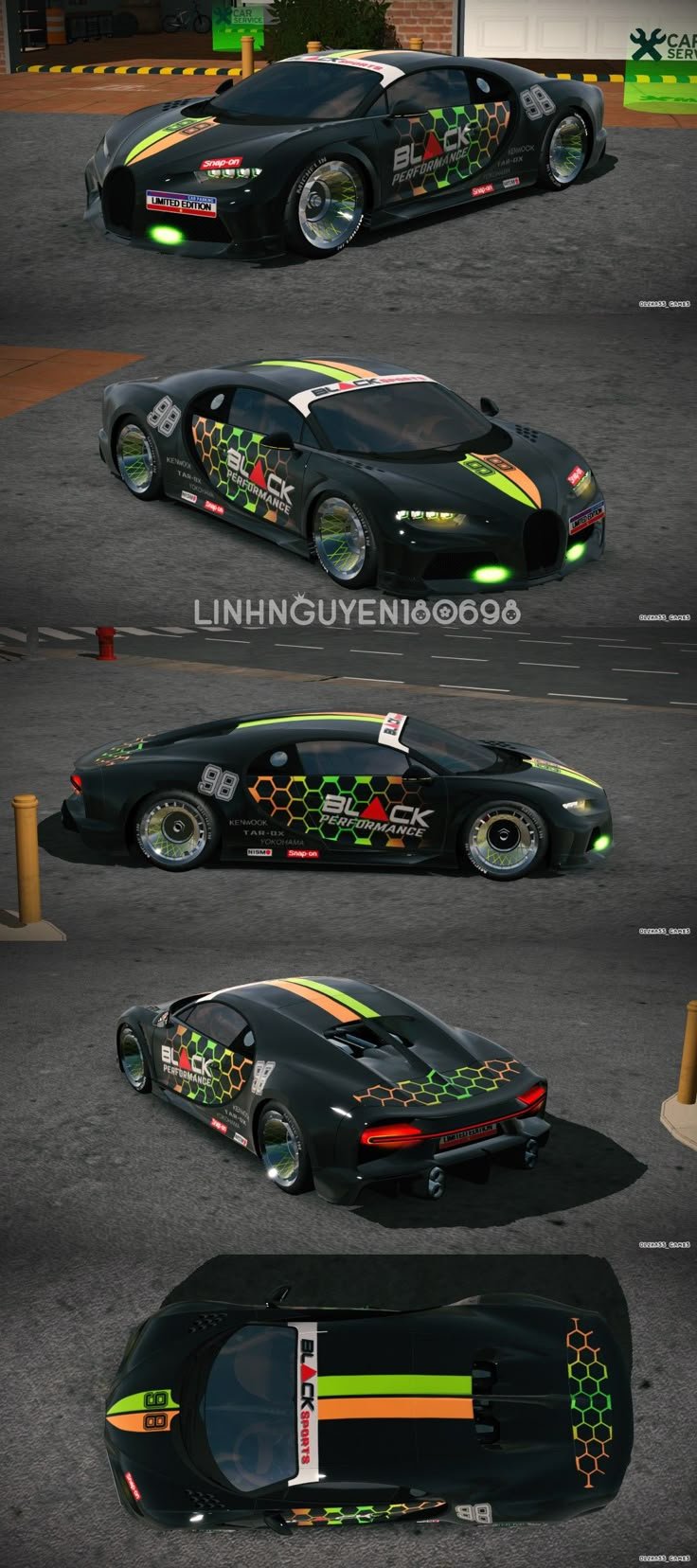
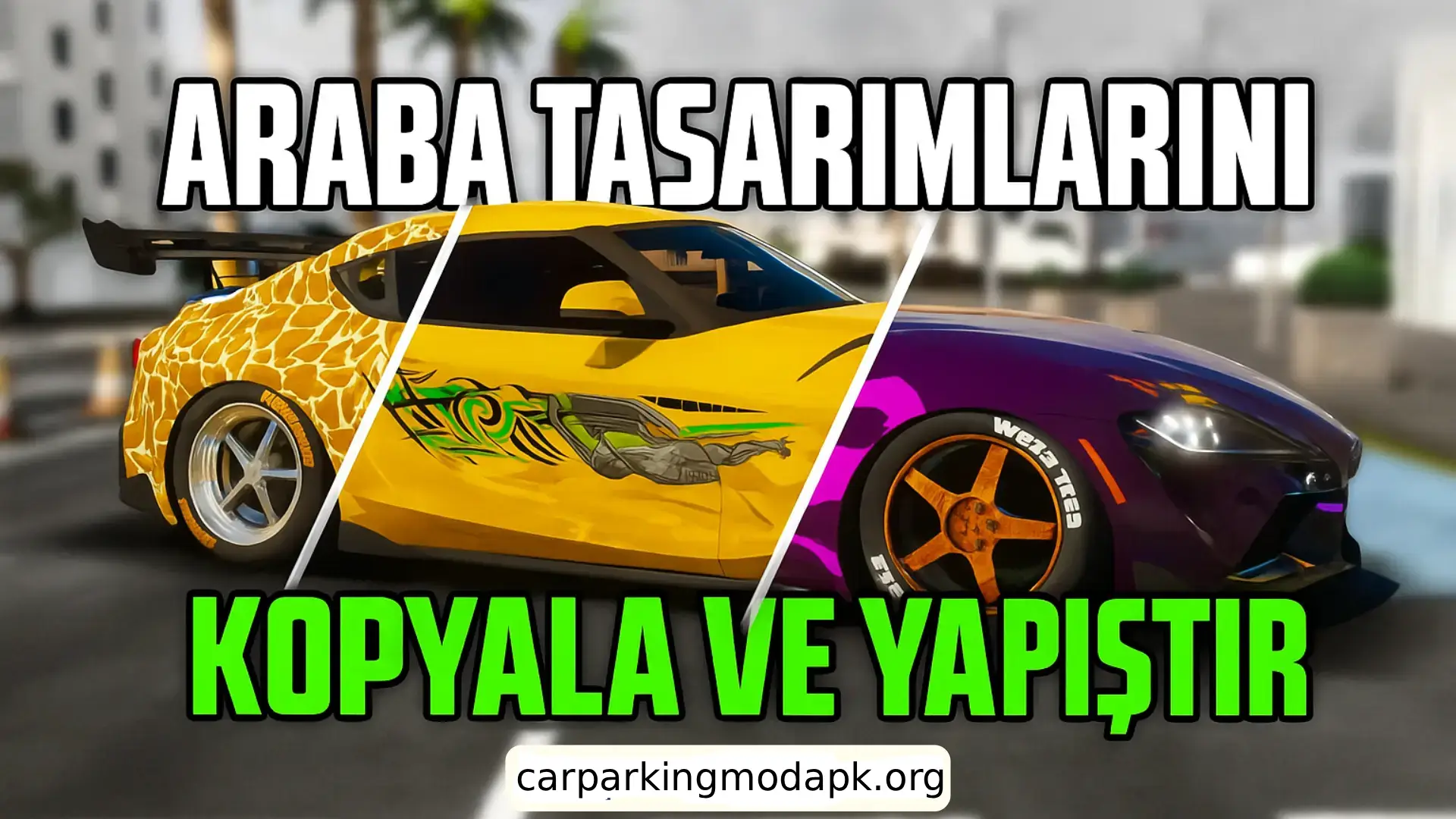
The latest Car Parking Multiplayer Design Copy and Paste Tutorial makes this task much easier. With this feature, players can copy a car design from one side and paste it onto the other side without losing even the smallest detail. It helps save time and removes the need to manually adjust vinyl color codes or other patterns in this Car Parking Multiplayer Design Copy and Paste Tutorial.
In this article, we will explain the step-by-step method to use the copy and paste feature for car designs in Car Parking Multiplayer. This Car Parking Multiplayer Design Copy and Paste Tutorial is available for all cars in the game. You will also learn professional design tips and modification tricks to make your car look more stylish. You may also check out: Car Parking Multiplayer Tips and Tricks.
How can I copy and paste the Car Parking Multiplayer design?
Step-by-step instructions for using this feature are provided below.
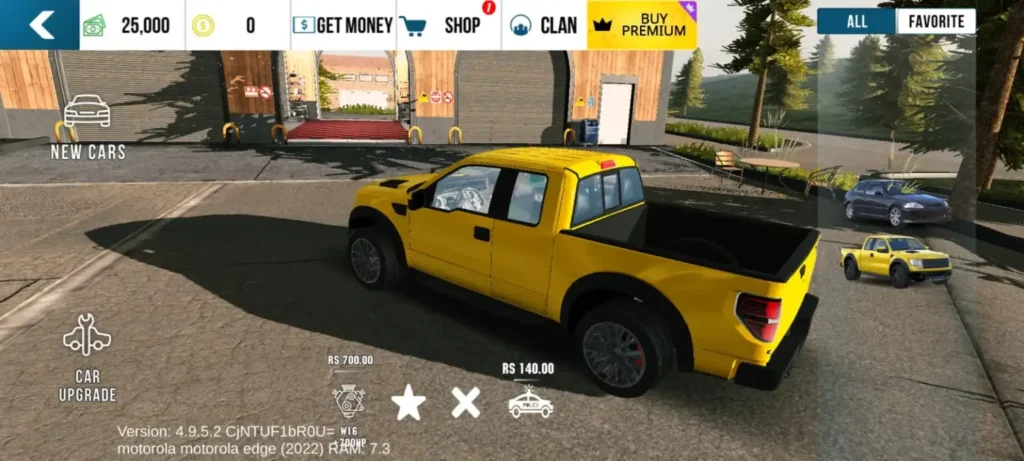
Choose your desired vehicle. With Car Parking Multiplayer APK, you can unlock all vehicles for free. After selecting your vehicle, tap on Vehicle Upgrade to improve its performance and customize its features.
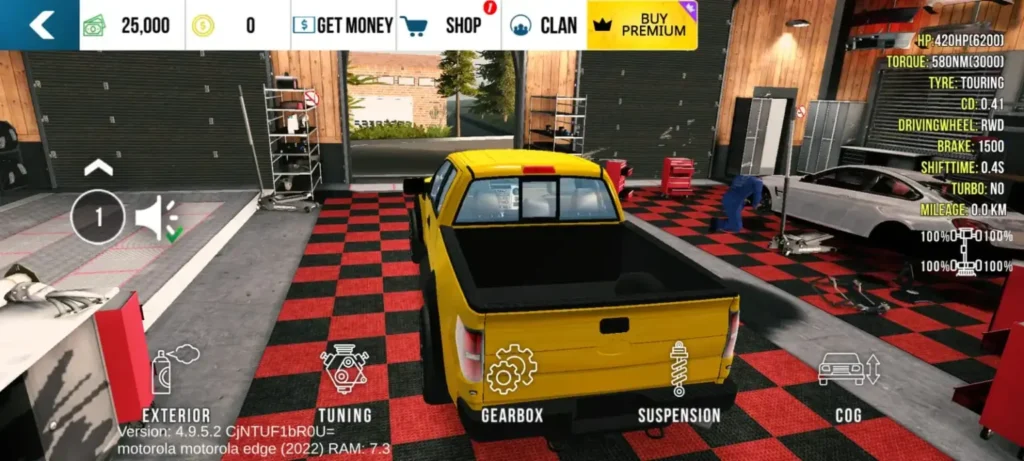
In the Vehicle Upgrade section, select the exterior appearance option to start customizing the outer design of your vehicle. This allows you to change the car’s look, color, and vinyl patterns.
● First, change the car’s color because not all stock colors look compatible with the modifications. Add vinyl, anime, and stickers to your car.
● Change the color of these items using the color picker located at the bottom right corner.
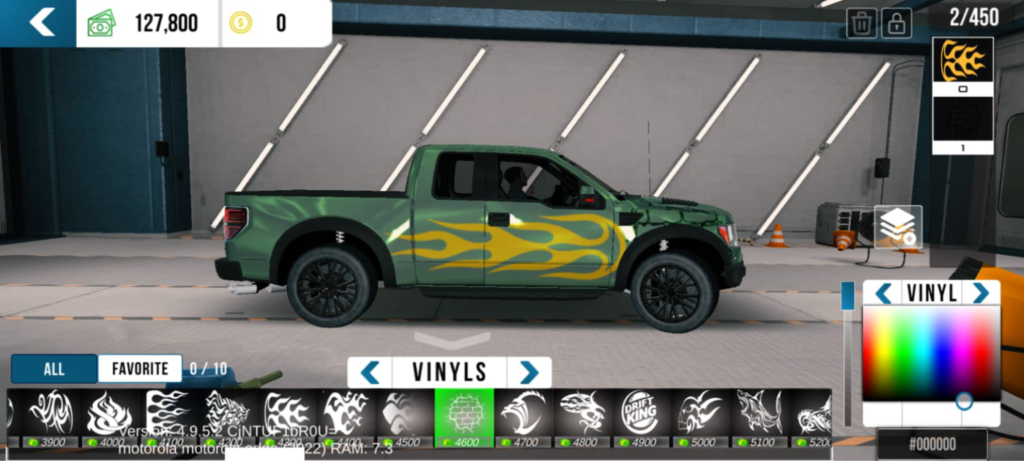
● After completing the design on one side of the tool, tap the layers button and select all the uploaded elements.
● Then click on the copy-paste icon.
● The entire design will be copied.
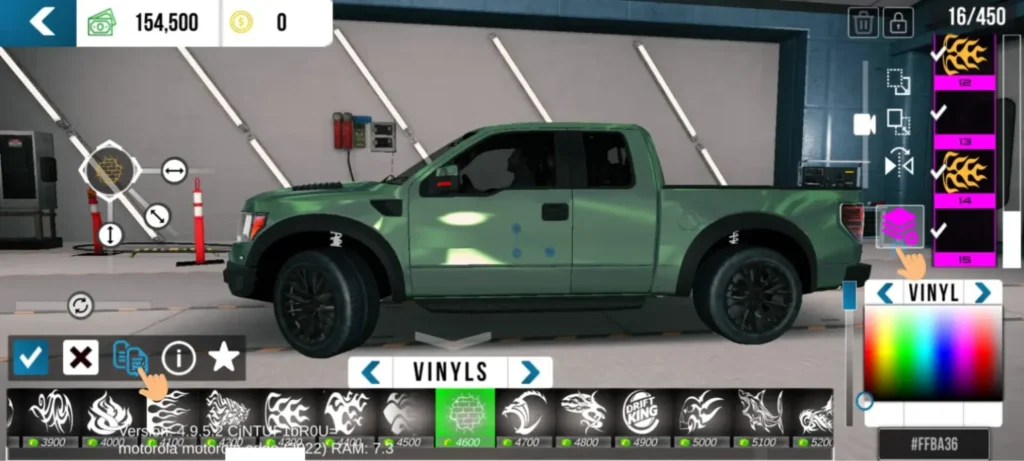
● Tap the duplicate icon located just above the layers icon. An inverted copy of your design will be created.
● Drag and rotate the design to place it on the other side of the car.
● Once the design is adjusted properly, it will look the same on the other side.
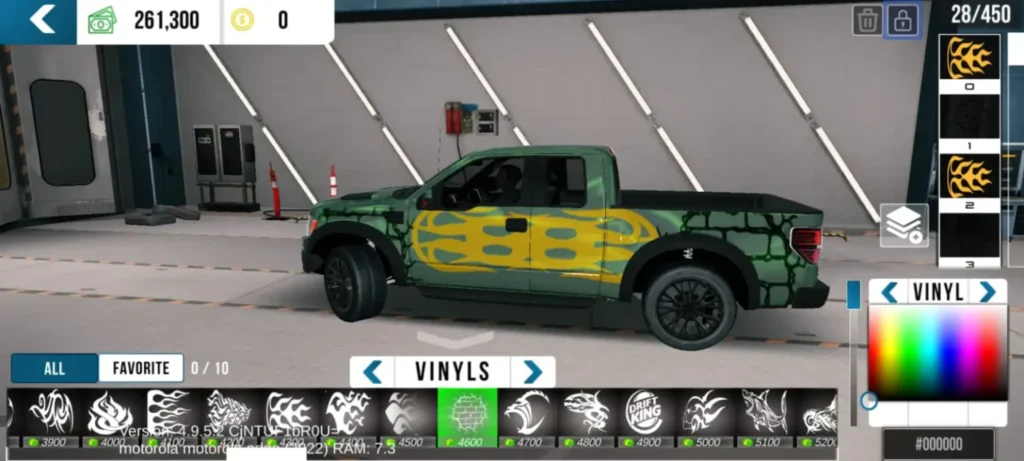
Advantages of Copy-Paste Design in Car Parking Multiplayer
✅ Saves time: This Car Parking Multiplayer car design feature saves a lot of time. You may spend minutes or even hours trying to create the perfect design on one side of the car.
✅ Ensures consistency: Both sides of the vehicle will look exactly the same. There will be no difference in the placement of flags, vinyls, anime, and stickers.
✅ Saves time: This Car Parking Multiplayer car design feature saves a lot of time. You may spend minutes or even hours trying to create the perfect design on one side of the car.
✅ Ensures consistency: Both sides of the vehicle will look exactly the same. There will be no difference in the placement of flags, vinyls, anime, and stickers.
Copying and Pasting the Design for Car Parking Multiplayer (Video Tutorial)
Other Car Design Features in Car Parking Multiplayer
In addition to vinyl, anime designs, and various shapes, Car Parking Multiplayer offers many other car design options to change the look of your vehicle. Let’s explore what CPM has to offer.
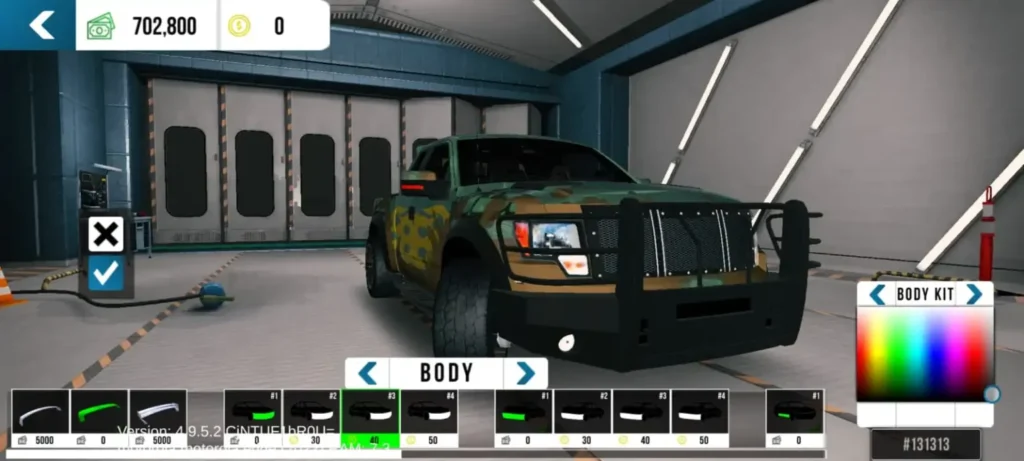
Class Body
With this option, you can modify your vehicle’s body parts such as the front bumper, rear bumper, hood, and side skirts. You can also add a spoiler to give your car a sporty and sporty look.
Wheels
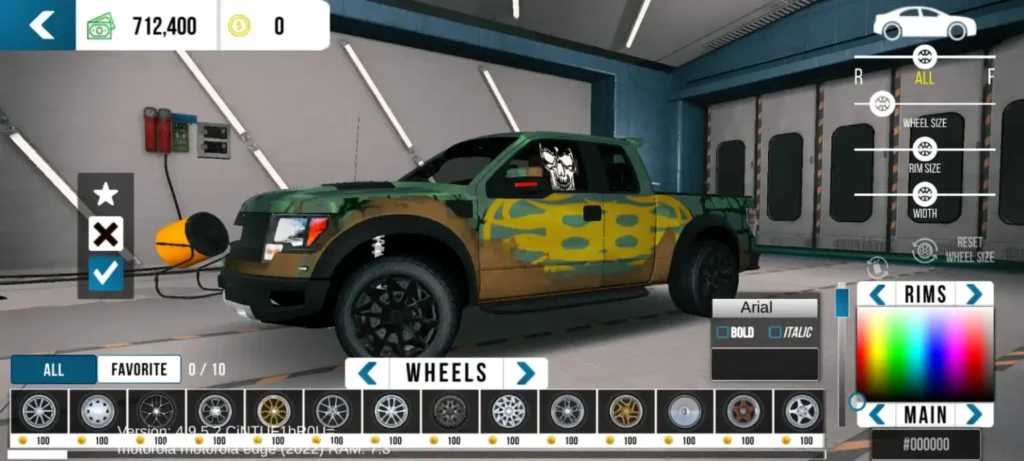
You can change the wheel style of your vehicle according to your choice. The wheel color can also be changed.
Tire height, width, and size can be adjusted to match your preferred design and driving style.
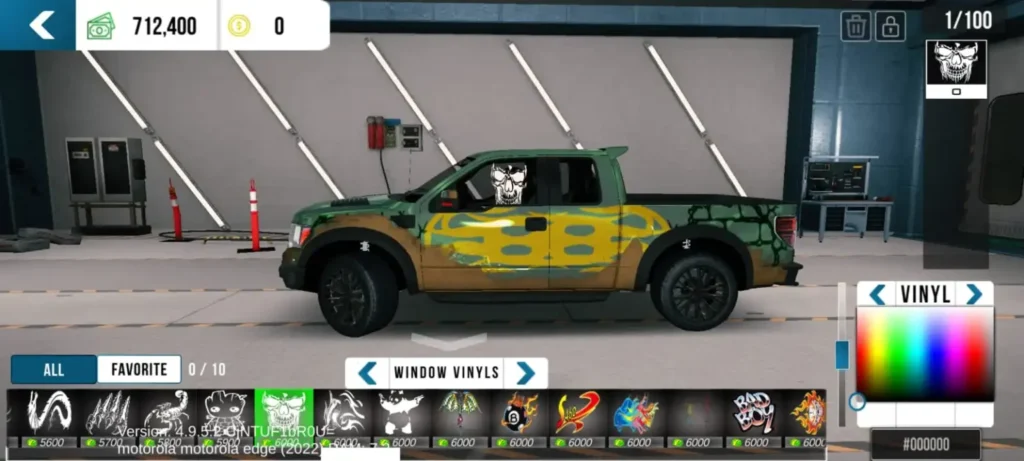
Window Vinyls
You can add window vinyls to your car doors. You can use stickers, vinyl designs, or anime representing your avatar to make your car look more attractive and unique.
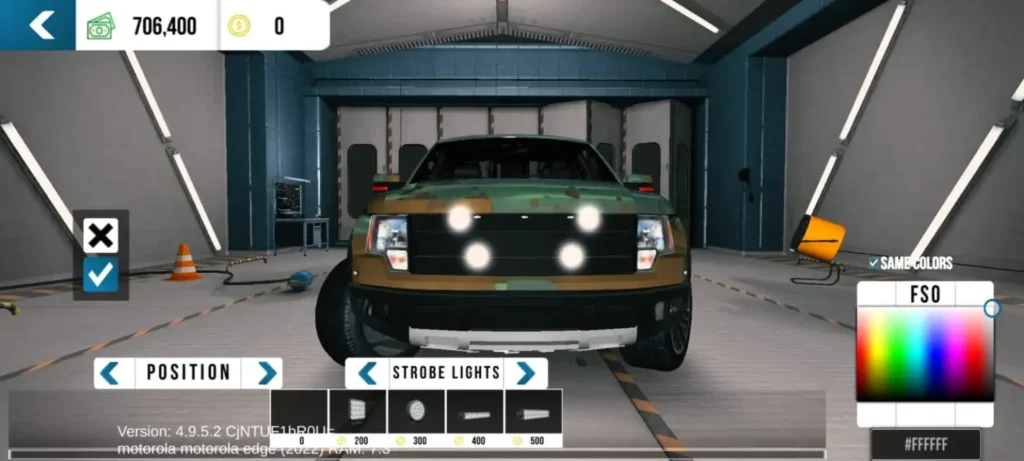
Strobe Lights
Strobe lights can be added to your vehicle to improve visibility and give your car a stylish look.
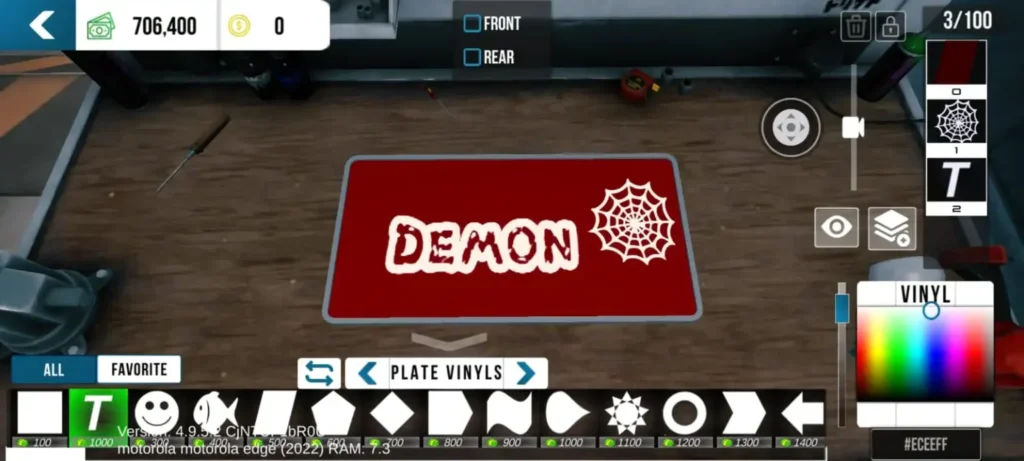
Vinyl Plates
In Car Parking Multiplayer, you can customize your license plate. Add your favorite colors, vinyls, and custom text to create a unique license plate design.
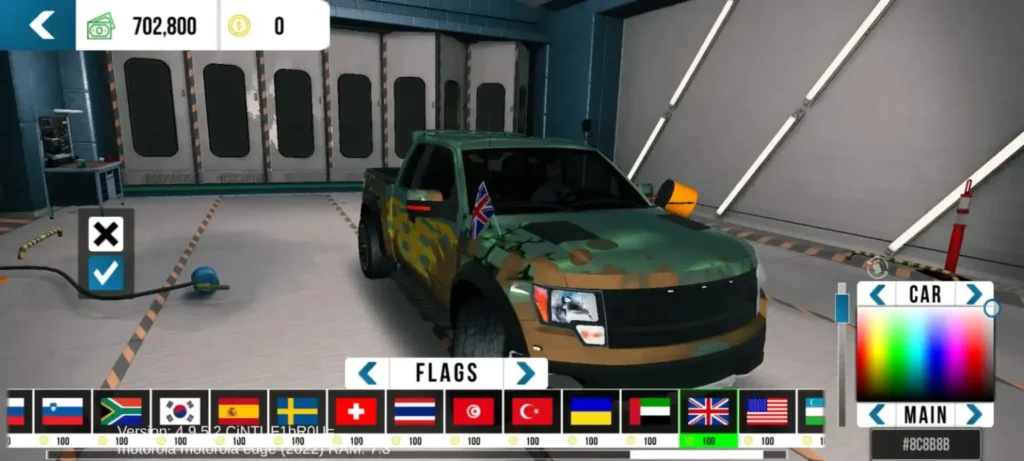
Flags
You can give your vehicle a presidential and stylish look by adding your country’s flag. You can also add flags based on the country where the vehicle was manufactured.
Tips for the Best Design and Customization
Now that you have learned the copy-paste method for Car Parking Multiplayer designs, you can create a design worth copying and pasting to make your car look amazing. Here are some professional car design tips.
📌 Base Color: The base color is the most important part of car design. Not all stock paints are suitable for modification. Sometimes you may need to adjust the color code, brightness, or shade.
📌 Have confidence: Many players are not confident in their modification skills because they have never tried. Start experimenting and keep learning.
📌 Practice: Practice makes perfect. Try different vinyls, anime, and stickers to improve your design skills.
📌 Get inspired: You can find many car designs on Facebook, YouTube, Reddit, and Pinterest.
📌 Avoid clutter: Do not add too many vinyls, stickers, or anime. Keep your car design clean and simple.
📌 Balance everything: Make sure both sides of the design are balanced using the copy-paste feature.
📌 Join online communities: The online game mode helps you connect with other players and learn new modification ideas.
Frequently Asked Questions
Can I use the Copy Paste Design feature in Car Parking Multiplayer on PC?
Yes, this feature
is available in the latest version
of Car Parking Multiplayer for PC .
Can we reset the design in Car Parking Multiplayer?
Yes, there’s a reset option right above the layers button. The reset option removes all changes and displays the car in its default mode.
Can I copy a design from one car and paste it onto another?
Yes, in Car Parking Multiplayer you can copy and paste the design onto another vehicle using the copy-paste feature.
Can I add new stickers to my car in Car Parking Multiplayer?
Yes, you can add new stickers, vinyls, and anime designs to enhance the look of your vehicle.